Themes
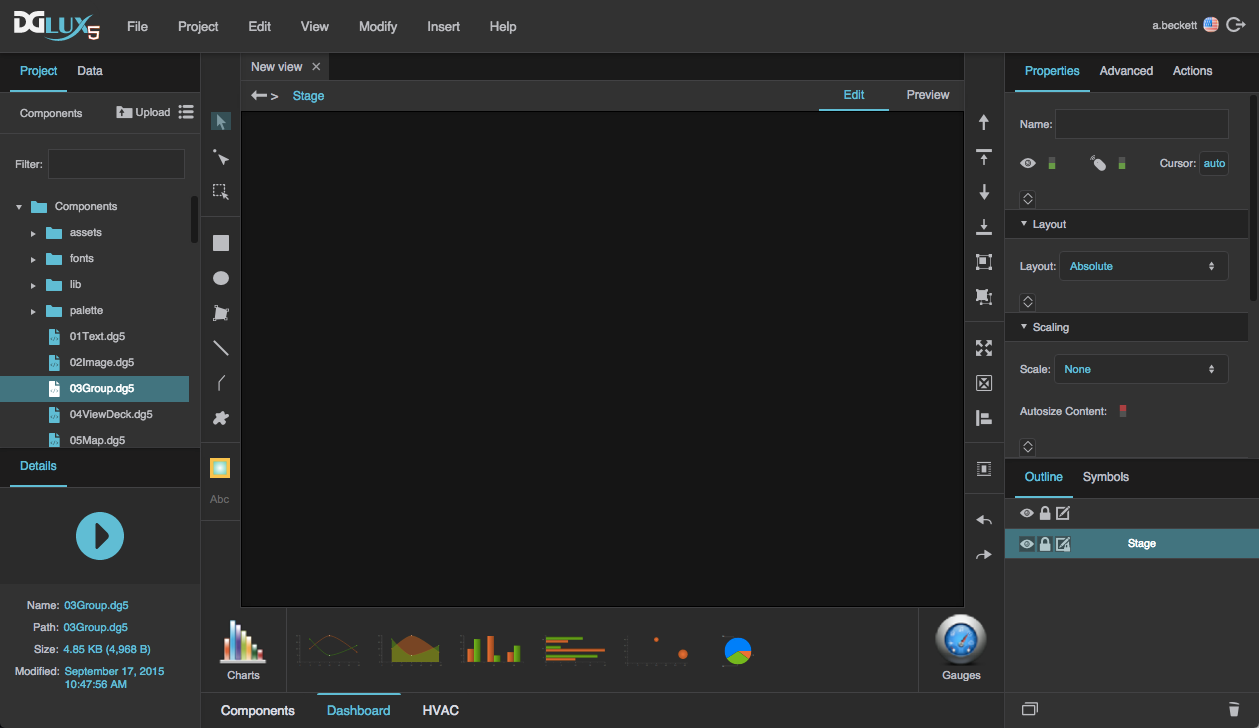
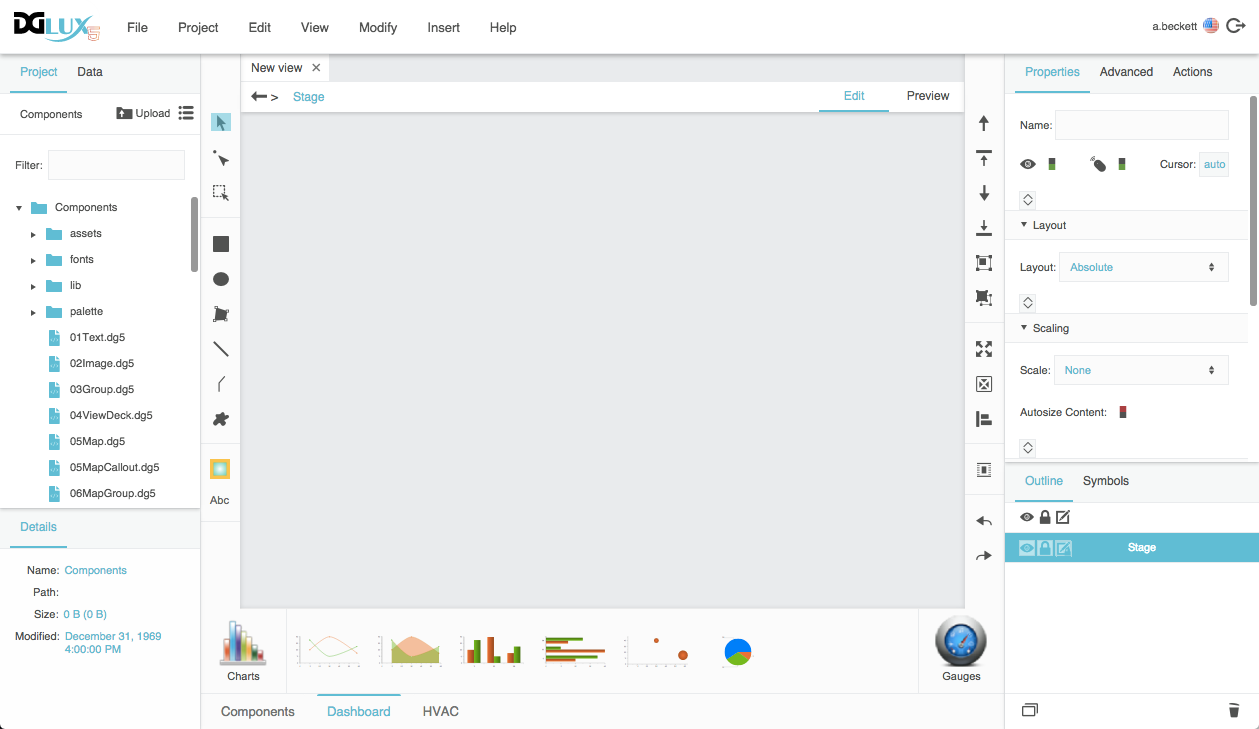
You can use DGLux5 themes to change the appearance of your DGLux5 workspace. To change themes, select Modify > Change Theme, and specify a theme in the pop-up.

Note
If you clear your cookies, your theme will revert to the default theme, and you must set it again.
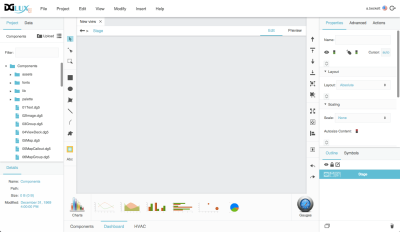
Themes available in DGLux5 are:
The default theme:
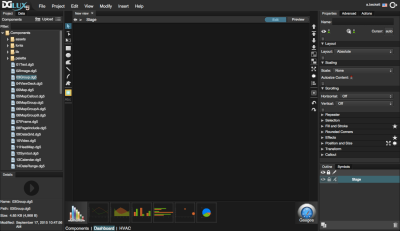
The DGLux5 Dark theme:
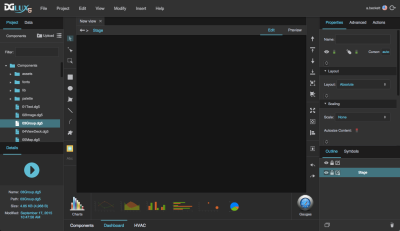
The DGLux5 Light theme:
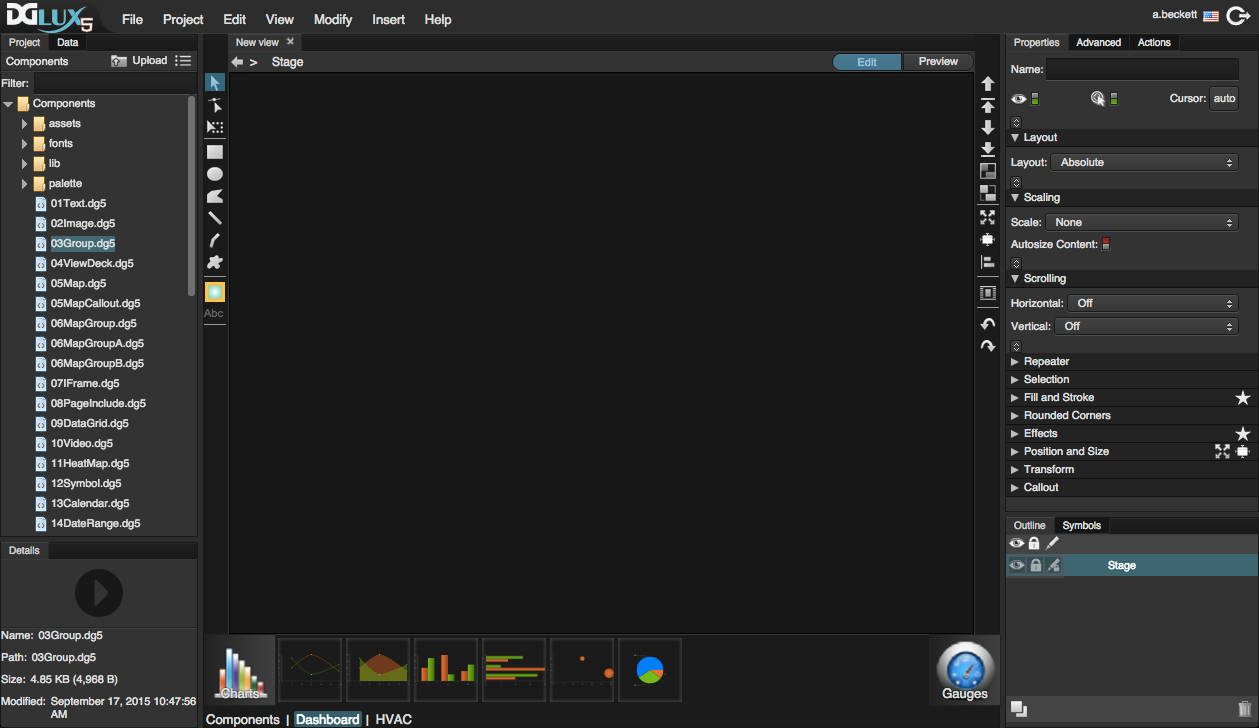
Click on an image to enlarge it in the browser window.