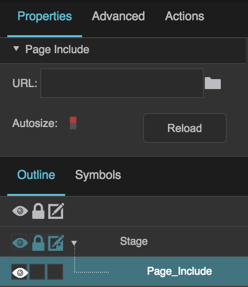
The Page Include properties in the Property Inspector
URL
URL
URL (path)
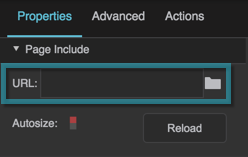
Specifies the relative or absolute URL of the .dg5 file to be used as a Page Include. This lets you use other .dg5 files as components within this file. To specify a file, either type a URL in the field, click the folder to specify a path, or drag a .dg5 file from the Project panel to the field.
The URL property
Autosize
Autosize
Autosize
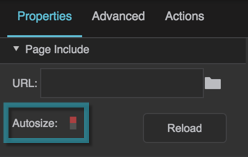
If true, causes this container to follow the content width. Only works if this container's width or height is set to Auto, and the content's width or height is set to pixels or percent.
The Autosize property
Reload
Reload
Reload
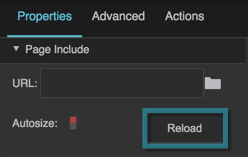
Refreshes the .dg5 file within this Page Include.
The Reload property
Page Parameters
Page Parameters
Page parameters
If the included page defines page parameters, an editor for each parameter appears below the Reload button after the page loads. Values entered here are passed to the included page.
Advanced properties
Advanced properties
These properties are available in the Advanced Property Inspector and in dataflow:
Property
Description
onContentLoaded
Event that fires when the included page has loaded successfully.
onContentLoadFailed
Event that fires when the included page could not be loaded or parsed.
creationPolicy
When the content is created: Always, On Demand, or On Display.
validate
If true, the included page is only loaded if it belongs to a licensed project.