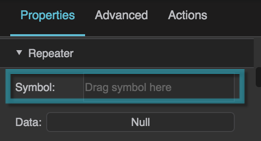
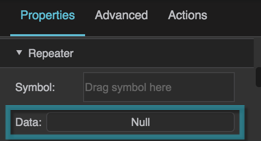
View Deck Properties
These properties affect the repeater that populates a view deck.
For a guide to using view decks, see View Deck.
View decks are also affected by Common Properties.

The View Deck properties in the Property Inspector
These properties affect the repeater that populates a view deck.
For a guide to using view decks, see View Deck.
View decks are also affected by Common Properties.
The View Deck properties in the Property Inspector