Chart
This is the universal, empty chart widget. You can use it to display these types of series:
- Line
- Area
- Column
- Bar
- Bubble
- Pie
- Spread spectrum (heat map)
- Radar
To use this widget, you first insert the empty widget by selecting Insert > Charts > Chart. Then, you add data, series, and axes. Axes can be linear, logarithmic (log), category, or datetime axes. Finally, you customize the chart's style and behavior using properties.
For steps to use and configure this widget, see Designing Charts.
For a detailed reference of properties that affect charts, see Common Properties and Chart Properties.
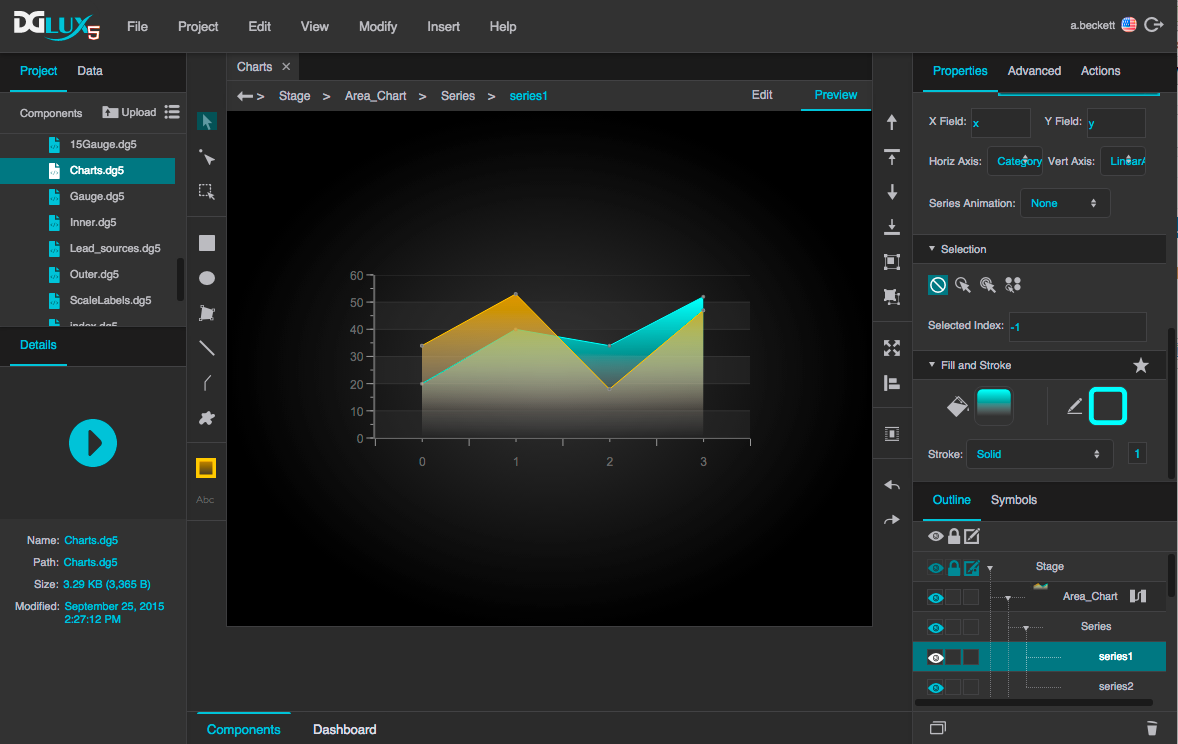
A chart widget in DGLux5