Export a Project
You can export a project that you have created and save it to your local computer as a .zip file. This allows you to send the project to a colleague to import into another instance of DGLux5.
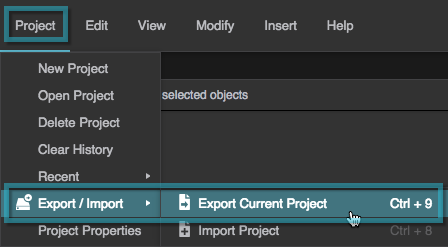
Choose Project > Export/Import > Export Current Project.
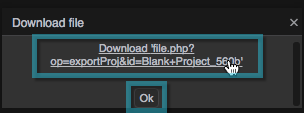
Click the link to download, and then click OK.