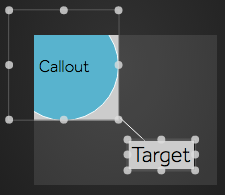
Callout Properties
These properties control the content, position, and behavior of the element's callout.
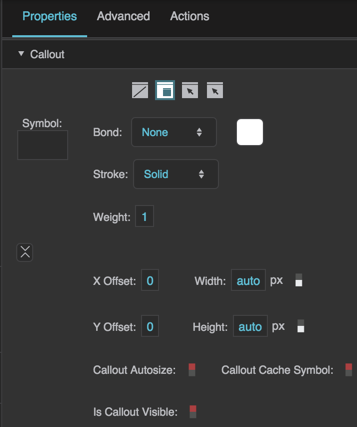
Static callout properties
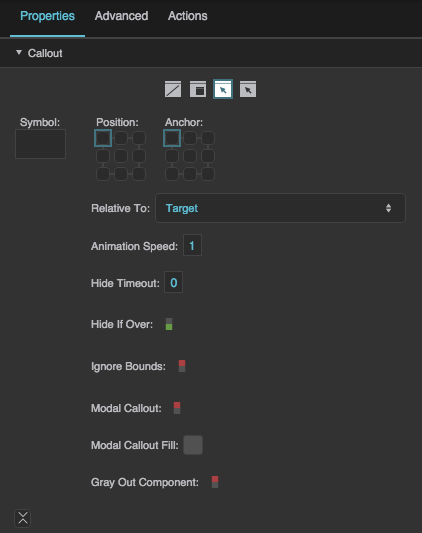
Mouse-Over callout properties
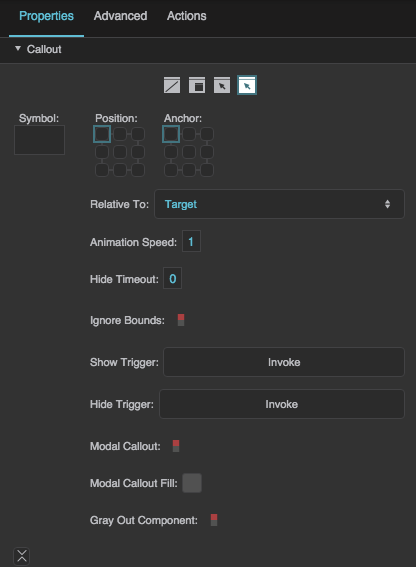
Event callout properties
The Static, Mouse-Over, and Events callout types show different properties. The X Offset, Y Offset, Width, Height, Callout Autosize, Creation Policy, Is Callout Visible, and Callout Clip Mode properties are under Advanced.
Callout Type
Callout Type
Callout Type
Defines when this element's callout is visible.
 None
This element has no callout.
 Static
This element's callout is always visible.
 Mouse-Over
This element's callout is visible only when the user mouses over the element. Only works if this element's Mouse Enabled property is set to TRUE.
Events
This element's callout is visible only when certain events occur. To configure an event for the callout, you can bind properties, events, or action triggers to the callout's Show and Hide triggers. Mouse events only work if this element's Mouse Enabled property is set to TRUE.
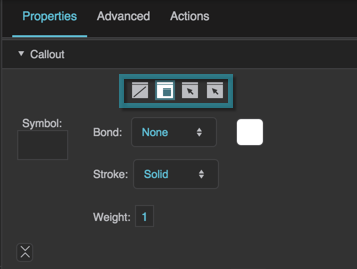
The Callout Type property
Symbol
Symbol
Symbol
Specifies the symbol to use for this callout. If the symbol is in this project, enter the name of the symbol. To use a symbol from another project in your library, enter the full path to that symbol.
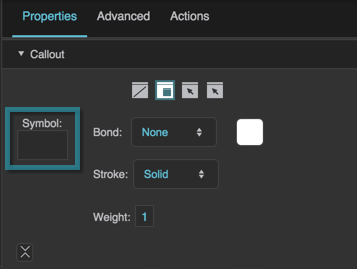
The Symbol property
Callout Bond
Callout Bond
Callout Bond
Specifies the shape of the stroke that connects this callout to its target. Only available for static callouts. In the Property Inspector, this property is labeled Bond.
None (default)
No bond is drawn.
Line
A straight line segment.
Curve
An S-shaped stroke.

The Callout Bond property
Callout Bond Stroke Color
Callout Bond Stroke Color
Callout Bond Stroke Color
Defines the stroke color of this static callout’s bond.
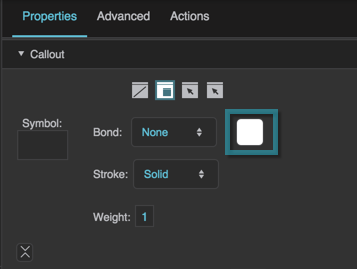
The Callout Bond Stroke Color property
Callout Bond Stroke Style
Callout Bond Stroke Style
Callout Bond Stroke Style
Defines the stroke style for this static callout’s bond: Solid (default), None, Dotted, or Dashed. In the Property Inspector, this property is labeled Stroke.
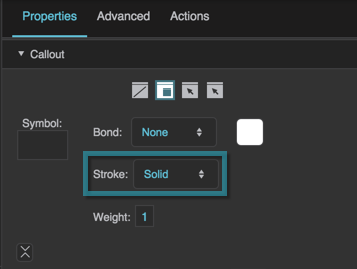
The Callout Bond Stroke Style property
Callout Bond Stroke Weight
Callout Bond Stroke Weight
Callout Bond Stroke Weight
Defines the stroke weight of this static callout’s bond. The default is 1. In the Property Inspector, this property is labeled Weight.
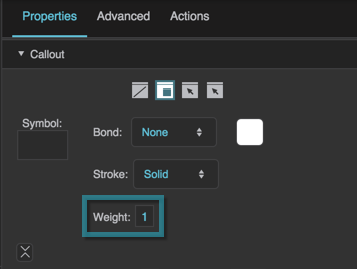
The Callout Bond Stroke Weight property
Callout X Offset
Callout X Offset
Callout X Offset
Defines the horizontal distance from the left edge of this callout to the left edge of its target. You cannot manually set the X Offset if the position of the callout is set as relative.
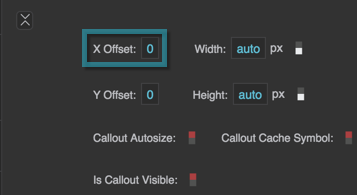
The Callout X Offset property
Callout Y Offset
Callout Y Offset
Callout Y Offset
Defines the vertical distance from the top edge of this callout to the top edge of its target. You cannot manually set the Y Offset if the position of the callout is set as relative.
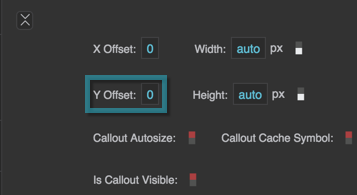
The Callout Y Offset property
Callout Width
Callout Width
Callout Width
Defines the width of this callout, as a pixel value or a percentage of the width of the page. A value of Auto is intended for use only if the Callout Autosize property is enabled.
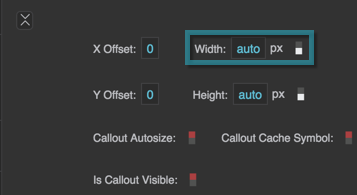
The Callout Width property
Callout Height
Callout Height
Callout Height
Defines the height of this callout, as a pixel value or a percentage of the height of the page. A value of Auto is intended for use only if the Callout Autosize property is enabled.
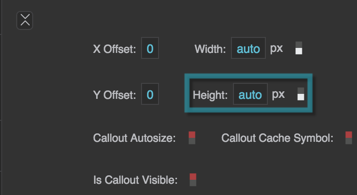
The Callout Height property
Callout Autosize
Callout Autosize
Callout Autosize
Determines the sizing relationship between this callout and its symbol.
TRUE
This callout follows the size of the symbol. Only works properly when the callout's width and height are Auto, and the symbol size is in pixels.
FALSE
The content follows the size of this callout. Only works properly when the callout's width and height are not Auto.
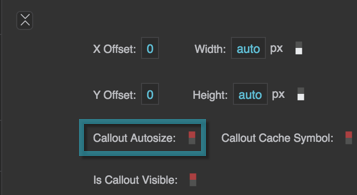
The Callout Autosize property
Creation Policy
Creation Policy
Creation Policy\ Specifies when the callout symbol is created, and whether it is kept after the callout is hidden. This property replaces the former Callout Cache Symbol property.
On Display (default)\ The symbol is created each time the callout is shown, and removed when the callout is hidden.
On Demand\ The symbol is created the first time the callout is shown, and then kept (cached) after the callout is hidden.
Always\ The symbol is created in advance, before the callout is first shown, and kept after the callout is hidden.
For more information, see Creation Policy.
Is Callout Visible
Is Callout Visible
Is Callout Visible
Returns whether the callout is currently visible. For example, a mouse-over callout is visible only when the user mouses over the component. This is a read-only property, so changing it manually does nothing.
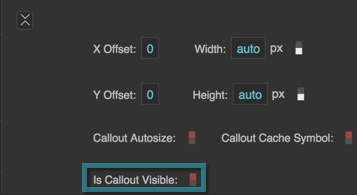
The Is Callout Visible property
Position
Position
Position
Two points determine where a callout is placed: the Callout Position and the Callout Anchor. The Callout Position is a point on the target object or the page. The Callout Anchor is a point on the callout itself. The callout is placed such that the two points join.
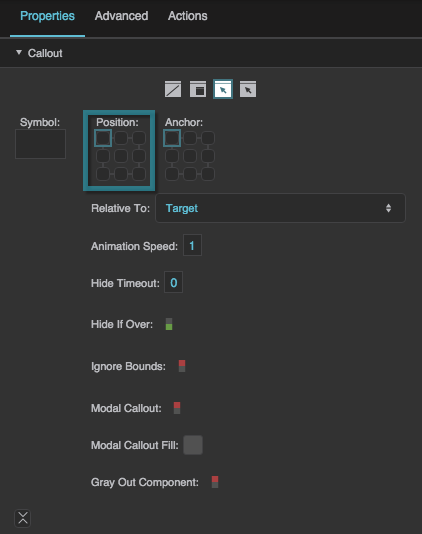
The Position property
Anchor
Anchor
Anchor
Two points determine where a callout is placed: the Callout Position and the Callout Anchor. The Callout Position is a point on the target object or the page. The Callout Anchor is a point on the callout itself. The callout is placed such that the two points join.
Two points determine where a callout is placed: the Callout Position and the Callout Anchor. The Callout Position is a point on the target object or the page. The Callout Anchor is a point on the callout itself. The callout is placed such that the two points join.
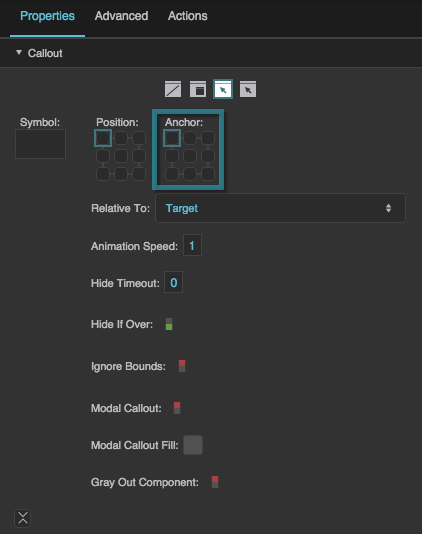
The Anchor property
Relative To
Relative To
Relative To
Specifies whether the callout’s Position property, or X Offset and Y Offset properties, are relative to the callout's target component (Target, default) or to the page (Page).
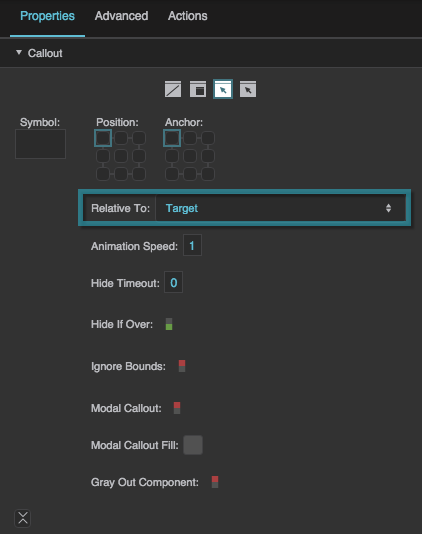
The Relative To property
Animation Speed
Animation Speed
Animation Speed
Defines the duration of the callout display animation in seconds.
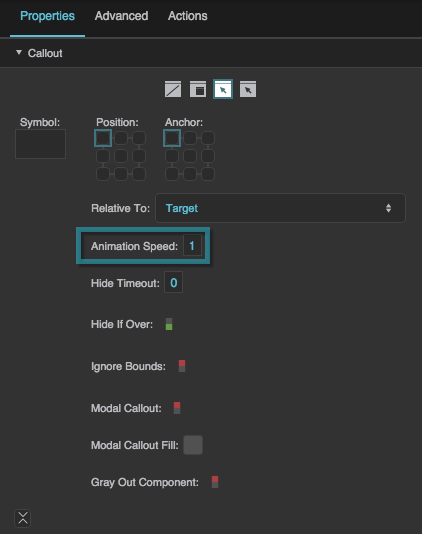
The Animation Speed property
Hide Timeout
Hide Timeout
Hide Timeout
Defines the time, in seconds, that a mouse-over callout or event callout is displayed before it automatically fades out. A value of zero means that the callout will not fade based on timeout.
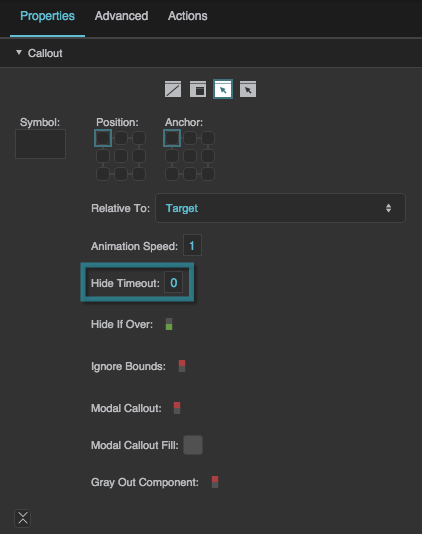
The Hide Timeout property
Hide If Over
Hide If Over
Hide If Over
Determines whether mousing over the callout causes it to disappear. The default is TRUE. Only available for mouse-over and event callouts.
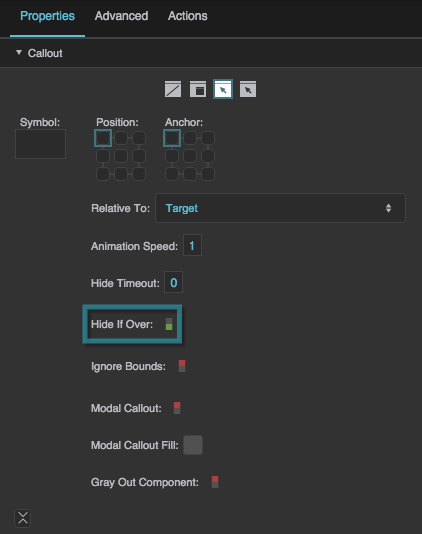
The Hide If Over property
Ignore Bounds
Ignore Bounds
Ignore Bounds
Only available for mouse-over and event callouts. By default (FALSE), the callout is moved so that it stays inside the visible window (or the stage, in Edit mode). If TRUE, the callout is placed exactly at its position, even if part of it is outside the visible area.
Show Callout
Show Callout
Show Callout
Labeled Show Trigger in the Property Inspector. Shows the callout. You can bind data or properties to this button, or click it as part of a recorded action.
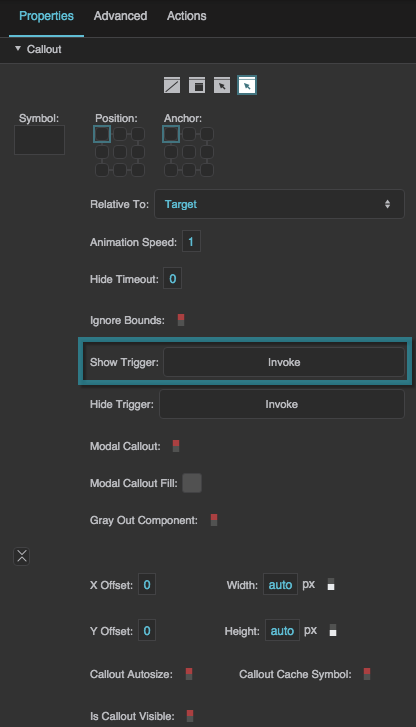
The Show Callout property
Hide Callout
Hide Callout
Hide Callout
Labeled Hide Trigger in the Property Inspector. Hides the callout. You can bind data or properties to this button, or click it as part of a recorded action.
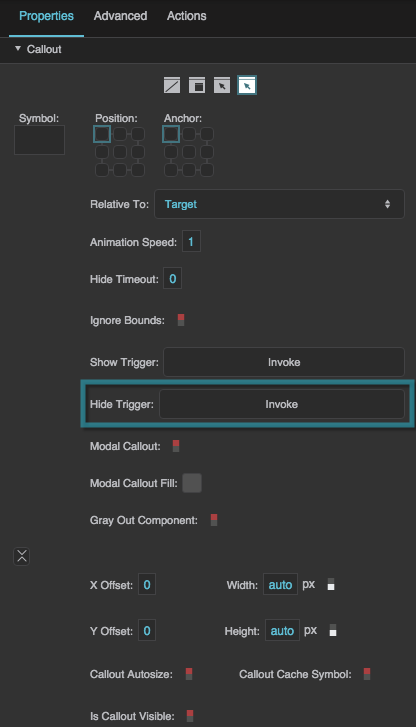
The Hide Callout property
Modal Callout
Modal Callout
Modal Callout
Determines whether the callout for this element is modal. When a modal callout is displayed, other elements in the view become faded and inactive. If the Gray Out Component property is TRUE, then the callout's target becomes faded and inactive along with other elements.
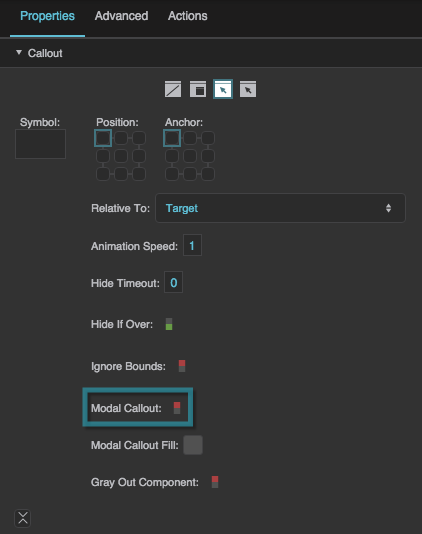
The Modal Callout property
Modal Callout Fill
Modal Callout Fill
Modal Callout Fill
Specifies the background color that appears when a modal callout is visible.
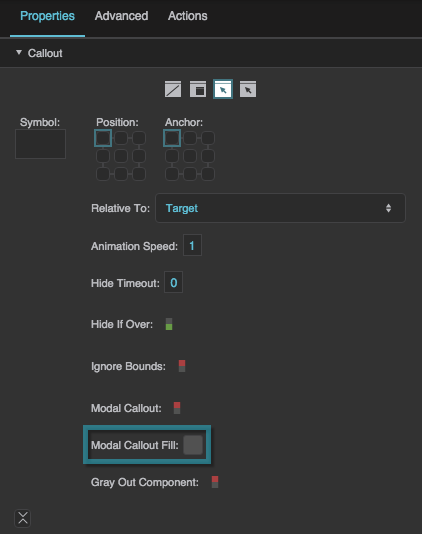
The Modal Callout Fill property
Gray Out Component
Gray Out Component
Gray Out Component
Specifies whether the callout’s target becomes inactive and faded when the modal callout is displayed.
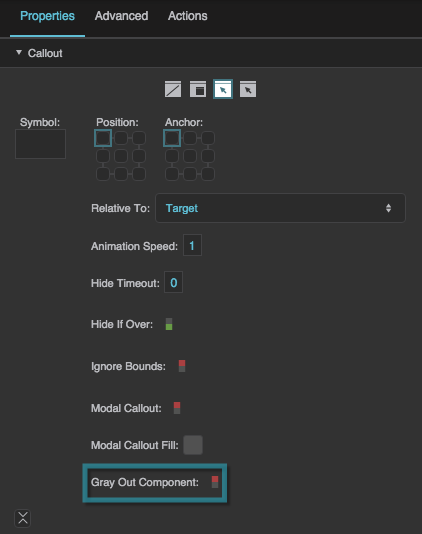
The Gray Out Component property
Callout Clip Mode
Callout Clip Mode
Callout Clip Mode
Causes a callout to be clipped by the boundary of either the parent page or the callout target's parent group. The value of the Callout Clip Mode property can be one of the following:
- No Clipping: The callout is not clipped. It can exist beyond the bounds of the group or page.
- Clip by Page: The callout is clipped by the target's parent page. This is useful if you are using Page Include components and do not want any callout content to exist beyond the bounds of the Page Include component.
- Clip by Parent: The callout is clipped by the target's parent group. This is useful if you do not want any callout content to exist beyond the bounds of the group.
By default, the value is No Clipping.
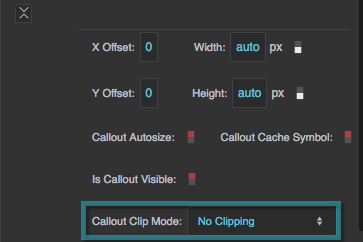
The Callout Clip Mode property
The following image demonstrates a clipped callout. In this example, the Callout Clip Mode property of the text component is set as Clip By Parent. Therefore, the bounds of the group clip the callout.