List Input
The list input component lets the user select from a list of items that you specify.
To use this component, first you insert it by selecting Insert > Form > List. Then, you configure style and behavior using properties.
For more information about using input components, see Designing Input Components.
For a detailed reference of properties that affect input components, see Common Properties and Input Component Properties.
Note
The Options property is URL-encoded, so if you need to specify punctuation as part of this property, use its percent-encoded equivalent. For example, specify a comma as "%2C".
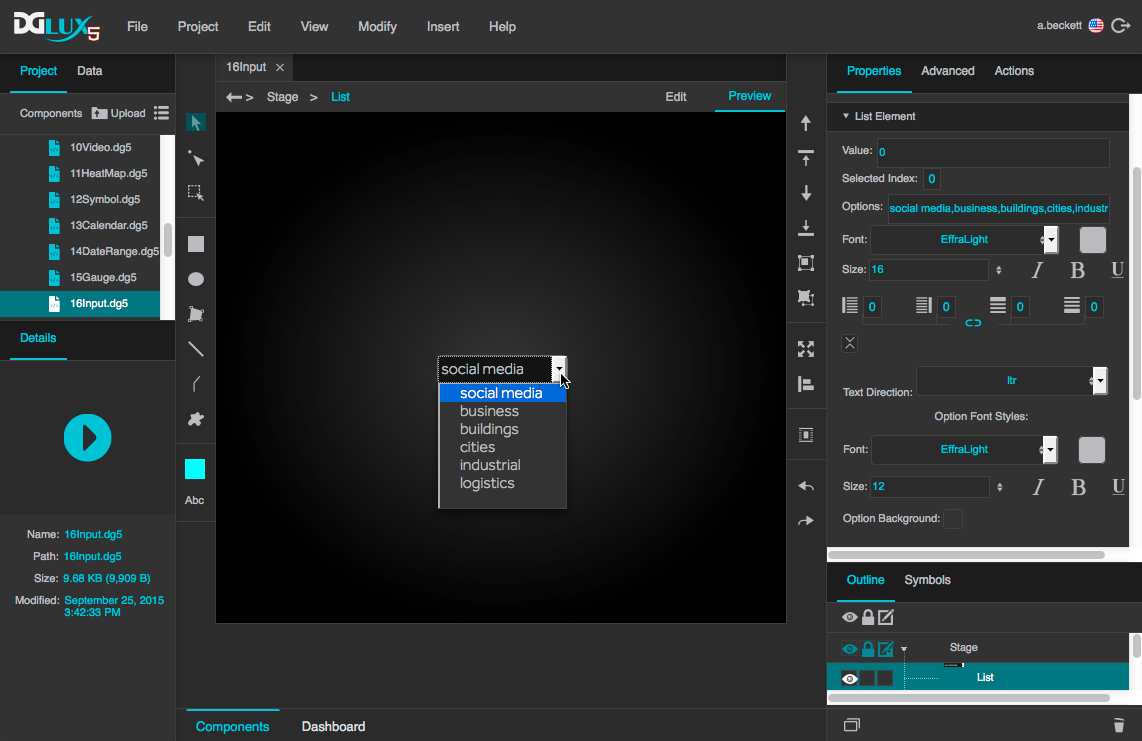
A list input component in DGLux5